
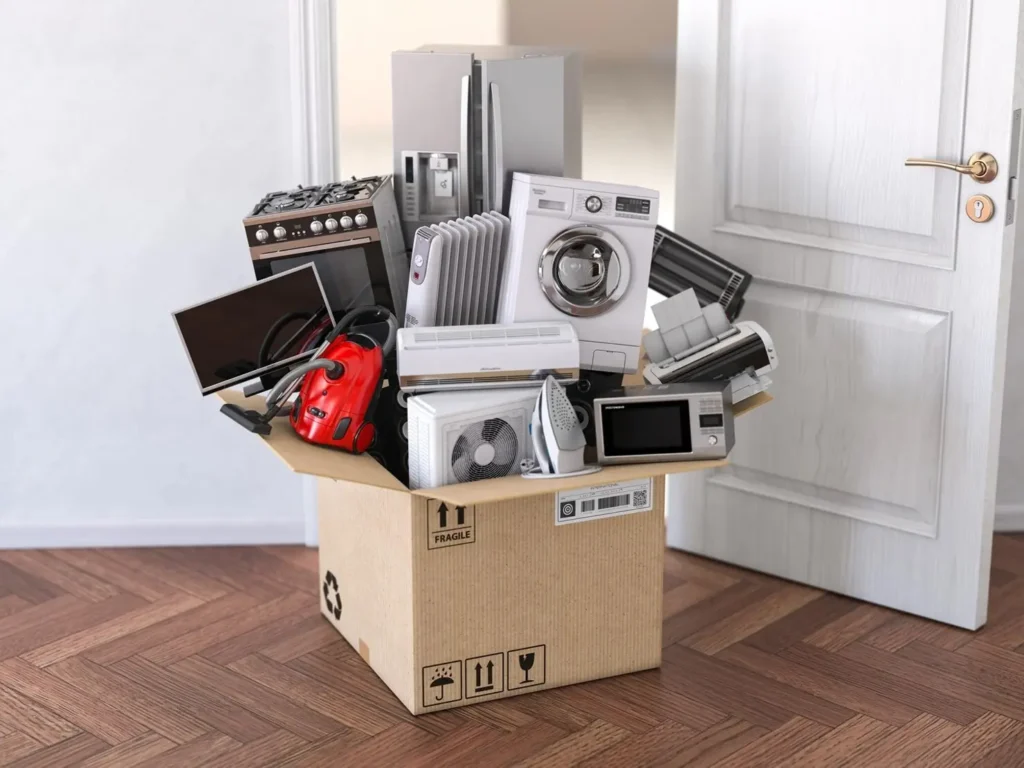
Packing electronics can feel scary.
TVs, computers, gaming consoles, speakers, and kitchen appliances are expensive and fragile. One wrong move, and something that worked perfectly yesterday might not turn on after the move.
As a Melbourne moving expert, I’ve seen many electronics damaged—not because people were careless, but because they didn’t know the right way to pack them.
The good news is this: You don’t need to be a tech expert to pack electronics safely. You just need the right steps.
This guide explains how to pack electronics like a pro, using easy words and clear steps that anyone can follow—even a 5th grader.
Why Electronics Need Special Care During a Move?
Electronics are not like furniture.
They can be damaged by:
Shocks and drops
Dust and moisture
Loose cables
Pressure from heavy items
Melbourne moves often include:
Apartment lifts
Narrow staircases
Long drives
Interstate trips
That’s why professional movers and removalists take extra care with electronics—and you should too.
Step 1: Make a List of All Your Electronics
Before unplugging anything, take 10 minutes to list what you have.
Common household electronics include:
TVs
Desktop computers
Laptops
Monitors
Printers
Gaming consoles
Routers and modems
Speakers and sound systems
Kitchen appliances
This list helps you:
Stay organised
Make sure nothing is lost
Set up faster at your new place
Step 2: Take Photos Before You Unplug
This is one of the best tips professionals use.
Take photos of:
Cable connections
TV setups
Computer ports
Sound system wiring
When you move into your new Melbourne home, these photos make setup easy and stress-free.
Step 3: Label Every Cable and Cord
Loose cords are a big problem during moves.
Here’s how to fix it:
Use masking tape or stickers
Write what each cable belongs to
Bundle cords with their device
For example:
“TV – HDMI”
“Office PC – Power”
Professional removalists always recommend this step.
Step 4: Back Up Important Data
Before packing computers or laptops:
Back up files to cloud storage
Use an external hard drive
Save important documents
Moves can be unpredictable. Backups protect your work, photos, and memories.
Step 5: Use Original Boxes If You Have Them
Original boxes are designed to protect electronics.
If you still have:
TV boxes
Computer boxes
Appliance packaging
Use them.
They include:
Correct padding
Strong structure
Tight fit
Melbourne movers love original boxes because they are safer to stack.
Step 6: No Original Boxes? No Problem
Most people don’t keep original boxes—and that’s okay.
Use:
Strong cardboard boxes
Bubble wrap or towels
Packing paper or clothes
Important rule:
Electronics should never touch the box directly without padding.
Step 7: How to Pack TVs the Right Way
TVs are one of the most damaged items during moves.
Here’s the safe way:
Unplug all cables
Wrap the screen with a soft cloth
Add cardboard protection over the screen
Wrap again with blankets or bubble wrap
Keep the TV upright—never flat
Professional movers and removalists always move TVs standing up.
Step 8: Packing Computers and Laptops
For laptops:
Shut down fully
Wrap in soft padding
Place in a snug box
For desktop computers:
Remove loose parts
Secure cables
Wrap tightly
Never place heavy items on top of electronics.
Step 9: How to Pack Gaming Consoles
Gaming consoles are sensitive to dust and bumps.
Steps:
Remove discs
Wrap console and controllers separately
Label the box clearly
Keep game discs in their cases and pack them flat.
Step 10: Protect Small Electronics Together
Items like:
Routers
Modems
Chargers
Cameras
Can be packed together in a single box—but only if wrapped properly.
Use small boxes and fill empty space so nothing moves.
Step 11: Keep Electronics Away from Moisture
Melbourne weather can change quickly.
Avoid:
Packing electronics near liquids
Leaving boxes outside
Storing them in damp areas
If rain is expected, ask your removalists how they protect electronics during loading.
Step 12: Clearly Mark Electronics Boxes
Write clearly:
“FRAGILE – ELECTRONICS”
“THIS SIDE UP”
This helps movers handle boxes carefully and place them correctly in the truck.
Step 13: Load Electronics Last, Unload First
This reduces:
Pressure from heavy items
Long time inside the truck
Risk of shifting
Professional Melbourne removalists follow this rule for safety.
Step 14: Avoid Packing Electronics Too Early
Pack electronics:
The day before
Or the morning of the move
This reduces dust buildup and moisture exposure.
Step 15: Let Professionals Handle High-Value Electronics
Large TVs, servers, or office electronics are best handled by experts.
A trusted Melbourne removals company like Best Ozi Movers in Melbourne has:
Proper equipment
Trained staff
Experience with fragile items
They know how to pack, lift, load, and transport electronics safely.
Common Electronics Packing Mistakes to Avoid
Avoid these mistakes:
Wrapping electronics without padding
Mixing cables randomly
Laying TVs flat
Using weak boxes
Rushing the packing process
Even small mistakes can cause big damage.
Why Professional Movers Make a Difference?
Professional movers and removalists:
Understand weight balance
Secure items correctly
Use protective materials
Reduce damage risk
This is why many Melbourne residents trust Best Ozi Movers in Melbourne, a best Melbourne removals company known for careful handling of electronics and valuables.
Moving Electronics? Don’t Risk Damage.
Choose Best Ozi Movers in Melbourne — professional movers and removalists who pack and move electronics with expert care.
FAQ’s About How to Pack Electronics for Moving
Should I pack electronics myself or let movers do it?
Small items can be packed yourself, but valuable or large electronics are safer with professional removalists.
Can movers pack electronics on moving day?
Yes. Many Melbourne movers offer same-day packing services.
Is bubble wrap better than towels?
Both work. Towels are great for quick packing; bubble wrap offers extra protection.
Do electronics need insurance during a move?
Yes. Always check your mover’s insurance coverage for electronics.
How soon can I plug electronics back in after moving?
Wait a few hours, especially if weather conditions were cold or wet.